



Blog
What Happens After You Place an Equipment Order

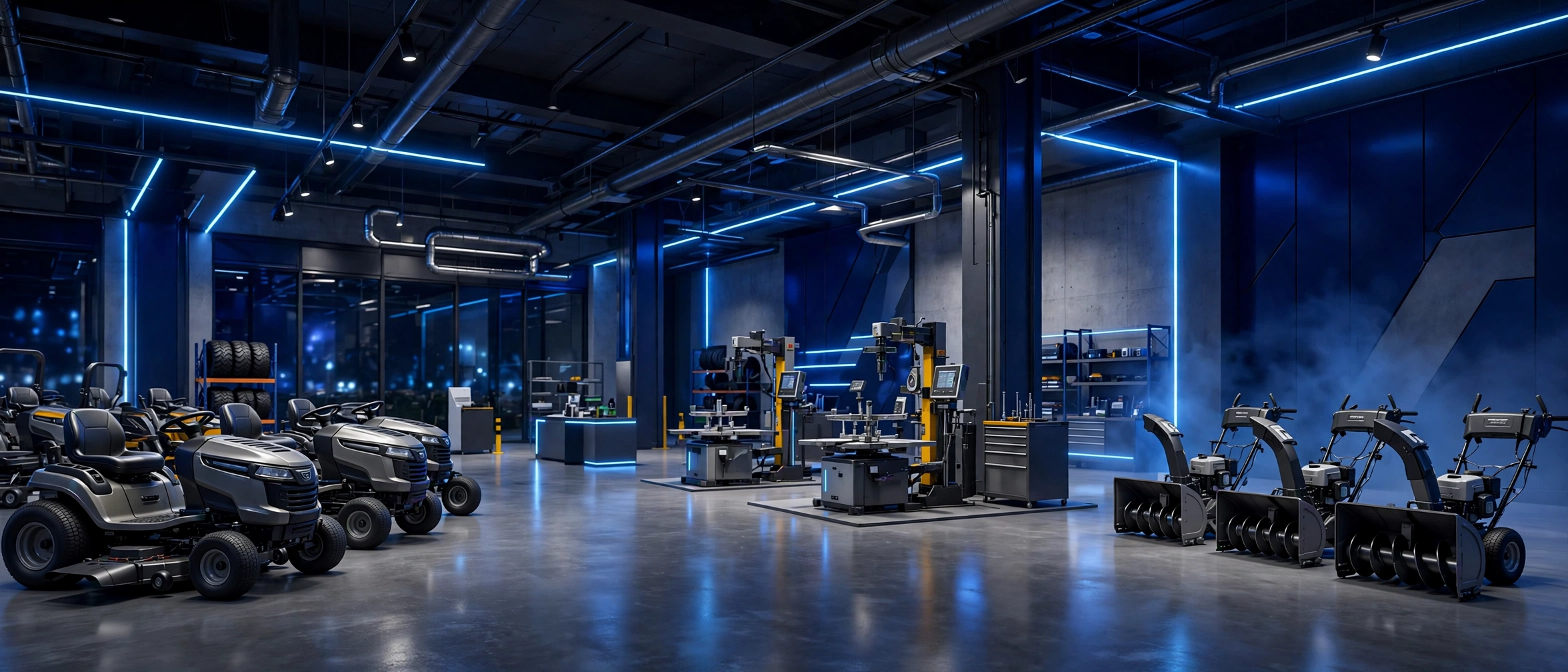
After you place an equipment order, the work shifts from choosing a machine to confirming details, arranging freight delivery, and preparing your site. Knowing the usual steps helps you spot problems early and avoid delays.
This guide explains the normal flow in plain terms. Exact timing depends on the item, your location, and freight scheduling.
Order confirmation and details
First, check your order confirmation carefully. Confirm the model, included parts, delivery address, and contact details. A small error in the address or phone number can delay a freight delivery.
Keep your order details in one place. You will need them if you contact support about delivery, warranty, or a missing part.
Shipping and freight planning
NexaDigital ships commercial heavy equipment and machinery within the United States only. Commercial heavy equipment is delivered by freight delivery, not small parcel delivery.
Standard delivery is within 14 days of the order. Shipping cost is calculated and shown at checkout and depends on the item, size and weight, and delivery details. For full wording, read the Shipping Policy.
Preparing your site
Keep the delivery address accurate and accessible for a freight truck. Confirm site access and contact details, and allow space for a large item to be unloaded.
Plan where the machine will go, check gates and paths, and clear the unloading area before delivery day. A clear plan reduces handling and makes inspection easier.
Also think about storage. A dry, level area with room to move around the machine makes setup and first checks simpler, and it protects the machine from damage before first use.
Delivery day checks
At delivery, check the equipment and note any visible damage or missing parts before signing if asked. Take photos if you see damage, and contact NexaDigital with order details.
Do not rush the check. A careful walk around at delivery makes later claims easier and helps you know what condition the machine arrived in.
Check for loose parts, dents, scratches, and missing accessories. Compare what arrived with what your order lists, and ask questions while the delivery team is still present.
After delivery: setup and records
After delivery, read the manual, check fluids and controls as directed, and store packaging and documents until you are sure the machine is complete. Record the model, serial number if shown, and delivery date.
If a part is missing or damaged, start the process promptly. For returns, contact NexaDigital through the Contact page or Support page with order details, and note the 30 day window from delivery to start a return. See the Return Policy for details.
Warranty and support
Warranty support is provided on eligible equipment, under the manufacturer warranty terms for that product, provided by or coordinated through NexaDigital. To make a claim, contact NexaDigital through the Contact page or Support page with order details. See the Warranty Policy.
Keep manuals and receipts together. They help support staff match your machine to the right terms and parts.
Common delays and how to avoid them
- Wrong address or phone number: check details at checkout.
- Blocked access: confirm truck access and unloading space.
- Missed delivery: stay reachable on delivery day.
- Unreported damage: inspect and report promptly.
Most delays come from simple details, not the machine itself. A short check before delivery saves time later.
Save your delivery photos and notes until the machine is set up and working well.
Conclusion
After you order, confirm details, prepare for freight, inspect at delivery, and keep records for support and warranty. For more help, browse the Shop. To learn more, read the About us page. For help, use the Support page or the Contact us page.